



Vincispin Mobile Application
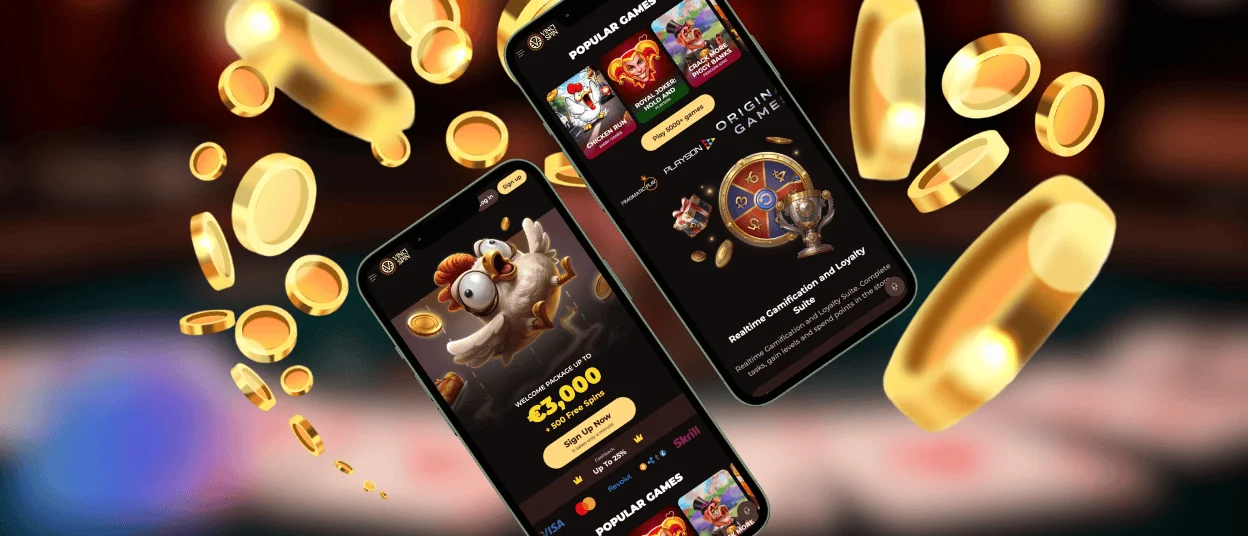
If you decide to use the Vincispin app, you’ll get a small 1 MB file on your phone that works just like a real mobile application. It syncs with your account and saves your settings. What’s more, you can launch it from a shortcut and use many of its features offline.



Vincispin Mobile Gaming Experience
Lots of our users are switching to the new mobile format. After all, the Vincispin app offers a better gaming experience than the browser version. But if you’re unsure about installing it on your phone, these FAQs can help you clear things up.
| Question | How the Vinci Spin App Works |
| Can I use the app on an older phone? | Our PWA doesn’t require a lot of system resources, so it can work on less powerful devices |
| Will it work without an internet connection? | Thanks to caching, our application lets you load previously saved content. That way, many pages can still open offline |
| Where can I download the app? | You can do this on the Vincispin Casino website – right through the Casino App button |
| Can I use the app on a tablet? | The interface of our solution also adapts to larger screens |
| Is it safe? | You don’t need to download an APK from a third-party source. Also, our software is protected by HTTPS and TLS |
| Which games are available in the mobile version? | Users can play online slots, live casino games and other titles from our collection |
| Does the application use a lot of battery? | Thanks to optimized resource loading and its lightweight design, our app uses your phone’s battery efficiently |
So, the Vincispin Casino solution offers you the same features as the website, but in a more convenient mobile casino format.
Vincispin Android Casino App
The main advantage for Android users is that they don’t have to search for the Vincispin app on Google Play. To get it on your phone, you just need to complete a quick installation process on our website:
- Tap the phone icon at the bottom of the homepage
- Go to the app card and select “Install”
- Wait a few seconds or up to a minute until a new shortcut appears in your phone’s menu
- Rename or move it if you want
- Launch the application for the first time and enter your login details
After that, you can save your credentials. That way, you’ll be able to access the Vincispin Casino website with just one tap on the shortcut.
Security Benefits of the PWA
Our solution works as a PWA, so its security is based on the same principles as the Vincispin Casino website. It uses:
- Encryption – All information that our members send to the application is converted into an unreadable format to prevent potential theft.
- Permission control – The Vinci Spin app only needs standard browser permissions to work. Thanks to this, you won’t have to give it access to your GPS, Bluetooth or other services.
- Updates in the background – New features and content appear in our application automatically, so you don’t need to search for a separate installation package.
- Customizable notifications – You can enable alerts in the Notifications section. Also, you can turn them off or pick which updates you want to get.
What’s more, you can add two-factor authentication to your Vincispin app login in the Security section.
Casino Application for iOS
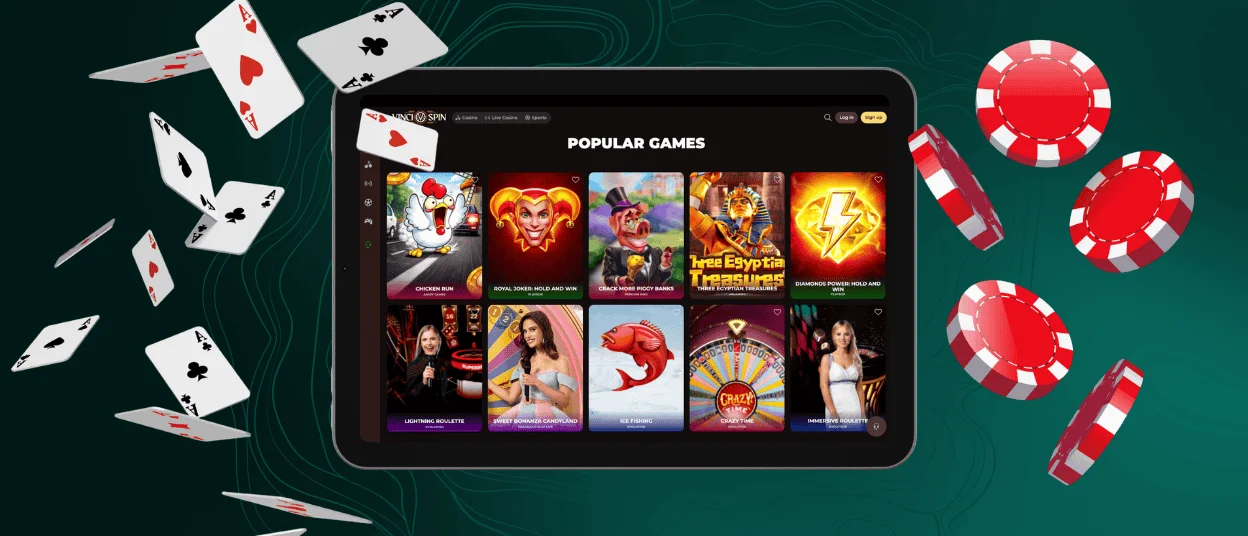
Those who use the Vincispin app on an iPhone or iPad won’t see Safari browser tabs or other unnecessary interface elements. That’s because our application opens in full-screen mode, which gives you a complete native app experience.
Just like on Android, our iOS solution also gets all improvements automatically in the background. So you won’t get constant reminders that you need to download the latest update from the App Store. And if you ever notice an issue, just use the live chat button in the app to let our support team know about it.
Desktop Casino App for Windows and macOS
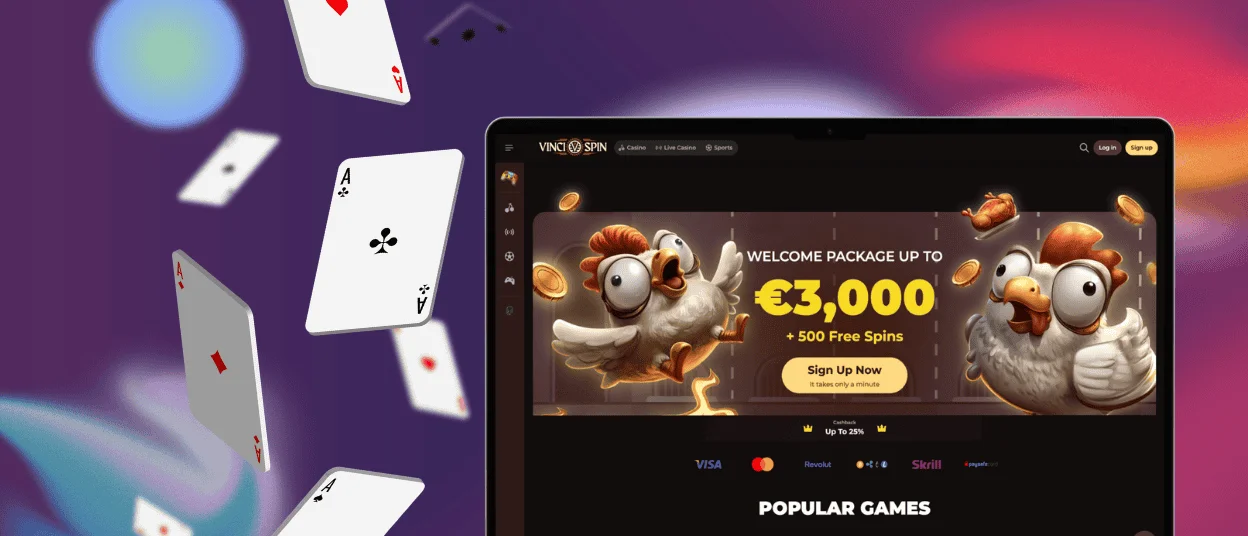
Players who prefer desktops over mobile devices can install our application on their computer or laptop. There is no need to get used to a new interface or learn how to navigate all over again – the Vinci Spin app has the same design and layout.
Notifications also work in the desktop version of the Vincispin Casino solution. You can enable them in the settings, so new messages will appear as pop-ups in the corner of your screen. If you don’t want to be distracted, you can choose silent mode – and you’ll only see a red indicator on the app icon.
FAQ
What should I do if the app crashes or freezes?
First, check your connection. Our PWA can work partially offline, but you’ll need internet access for the full gaming experience. Also, try clearing your cache. If the application still doesn’t work, reinstall it or contact Vincispin Casino support.
Can I switch seamlessly between desktop and PWA?
Yes, you can use the website and the Vinci Spin app alternately. However, please note that it’s best not to log in to your account on multiple devices at the same time. That’s because our system will see this as a security breach and can temporarily freeze your account.
Can I complete the verification process in the PWA?
Yes, you can go through KYC right in our app. In the Verification section, you’ll find an option to upload files directly from your phone’s gallery.


